How to power ON/OFF the Pen]- Long press the control button 3S to turn ON/OFF the pen, when the light is flashing, the pen is discoverable via Bluetooth, when connected, you can display the power of the pen on your iPad and use the shortcut function. If the pen doesn't work after turning on, please follow the steps to disconnect the Bluetooth connection between your iPad and Pencil: Settings > Bluetooth > Pencil > tap "i" > Forget this device
[Importand *Compatible Models*]- This pen are compatible with all iPad released in 2018 or later. The compatible Models are: iPad A16 11th/10th/9th/8th/7th/6th Gen, iPad mini A17 Pro, iPad Mini 7th/6th/5th Gen, iPad Air 13-inch (M3/M2), iPad Air 11-inch (M3/M2), iPad Air 7th/6th/5th/4th/3rd Gen, iPad Pro 13-inch (M4), iPad Pro 11-inch (M4), iPad Pro 12.9"(3rd, 4th, 5th, 6th Gen), iPad Pro 11"(All Generations) ***Please confirm your iPad's model before placing order***
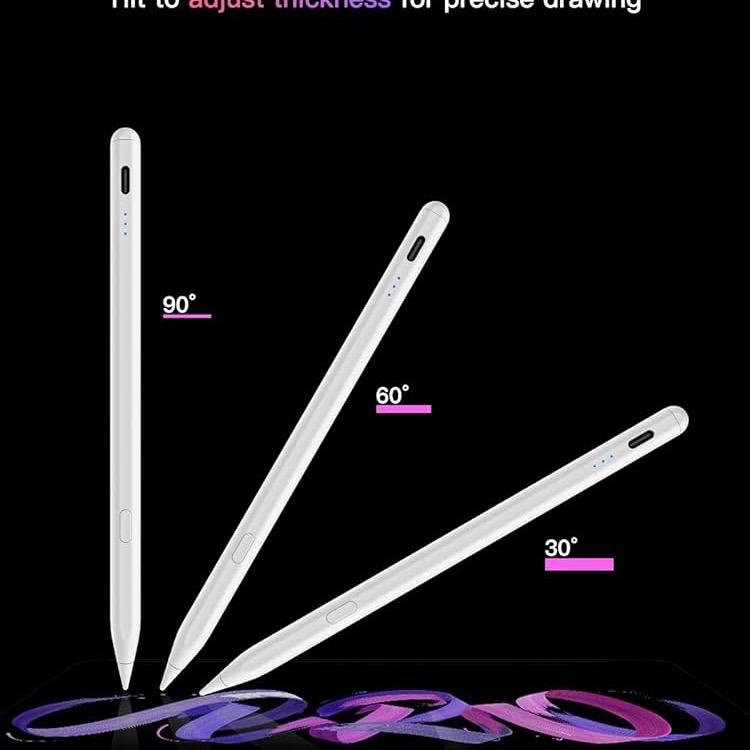
[Tilt Sensitivity & Pixel Precision]- Equipped with the replaceable original Pencil tip (include 3 extra tips), our device offers pixel-perfect precision and industry-leading low latency. With tilt sensitivity, it enables effortless drawing, sketching, coloring, note-taking, and PDF markup, providing a natural and seamless experience, just like using a real pencil. ***Note: The pen has NO pressure sensitivity
[30 Minutes Fast Charging]- This iPad pencil charges fully within 30 minutes and allows up to 10 hours of continuous use. It auto shuts down after 5 minutes of inactivity to save power
[Hotkey for Easy Access]- Support Bluetooth connection to display battery percentage in the status bar, one-click to undo the previous action (long press 3s to turn On/Off) Note: You can also use the pencil directly without a Bluetooth connection. However, without a Bluetooth connection, you will not have access to the shortcut functions